term
My terminal, the same on every machine

Neovim, fish, tmux and Git, set up the same way on macOS, Linux, WSL and Windows. chezmoi manages the files, and one command installs them on a new machine. The files are on GitHub.
sh -c "$(curl -fsLS get.chezmoi.io)" -- init --apply PunGrumpyOn macOS, run xcode-select --install first to get git. These settings are mine, so read a file before you apply it.

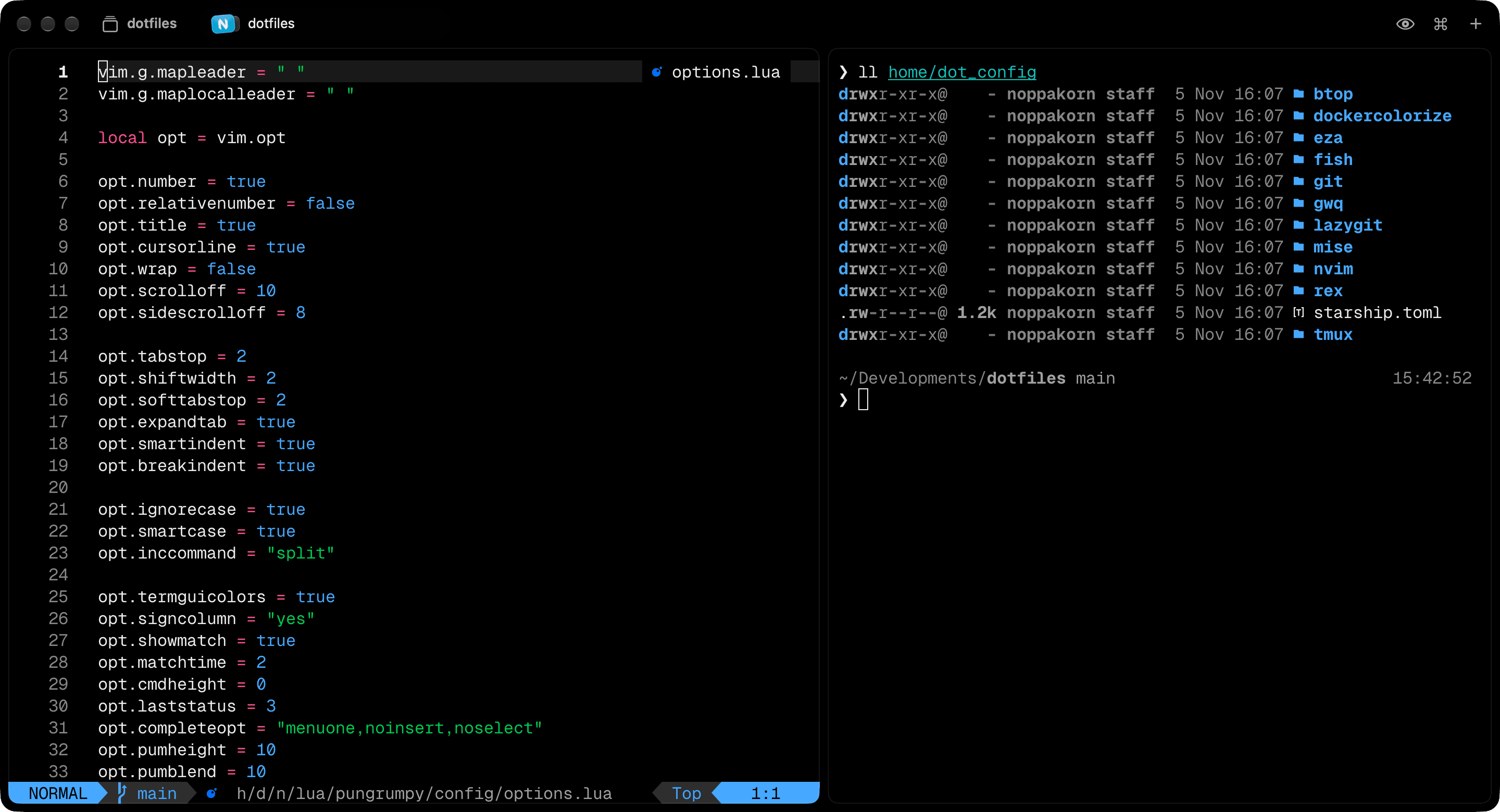
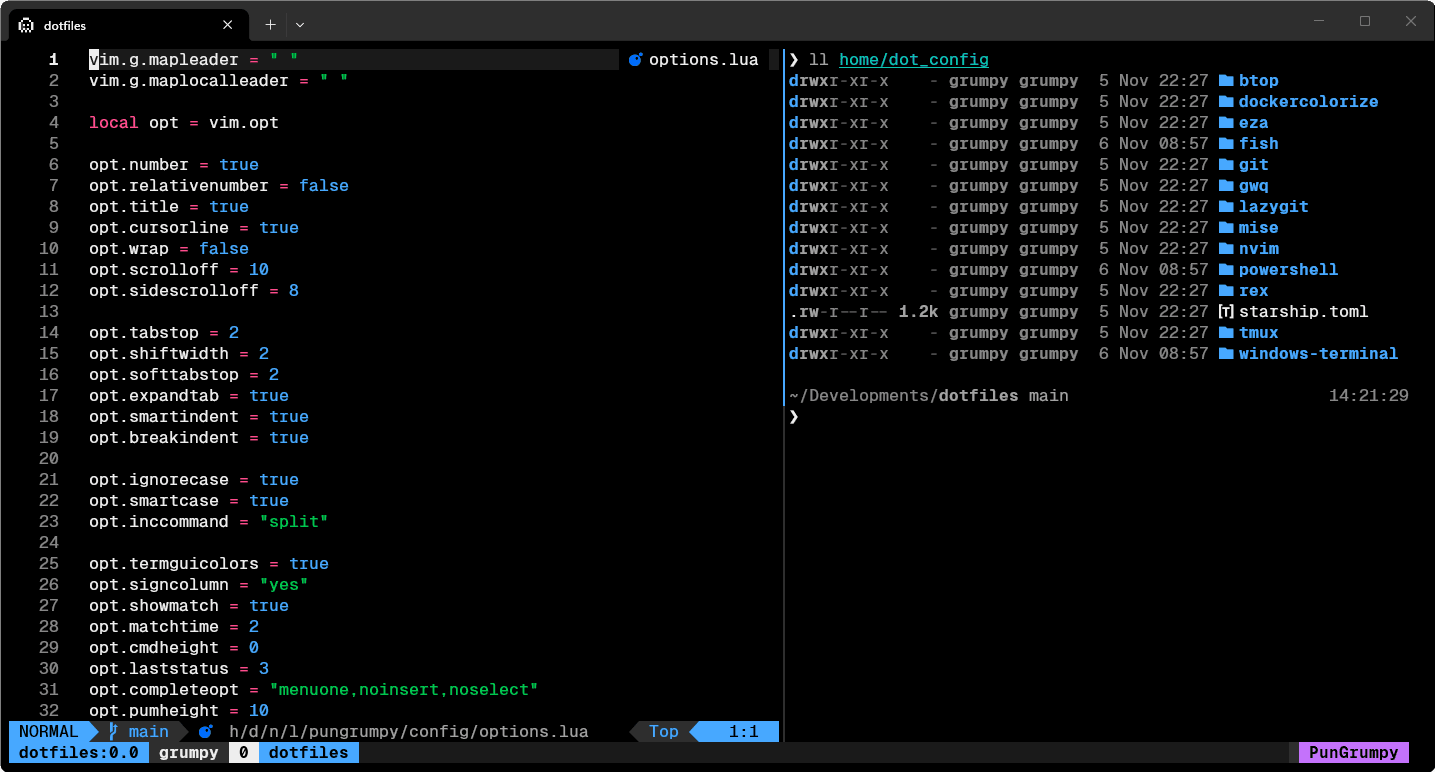
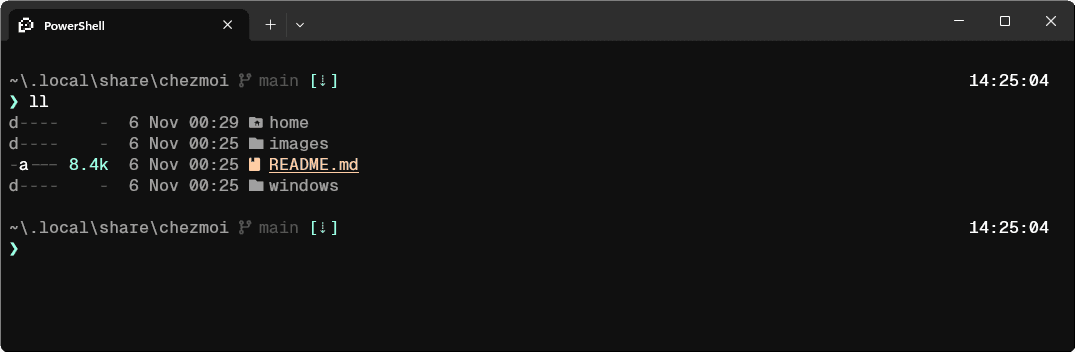
I use Rex. Rex runs only on macOS today, so Linux uses Ghostty and Windows uses Windows Terminal until Rex supports them. The repository has no Ghostty config yet.
How it works
chezmoi manages everything. The home/ directory in the repository is the source of the home directory, so home/dot_config/nvim becomes ~/.config/nvim.
chezmoi apply also installs the packages listed in home/Brewfile, home/apt-packages.txt, home/winget.json and home/scoop-packages.txt. It runs a package script again only when its list changes.
What you get
- ~/.config/nvim
- A flat config on the built-in
vim.pack, with no plugin manager or distribution. It needs Neovim 0.12 or later. - ~/.config/fish
- The Tide prompt. Fisher installs fzf.fish, zoxide.fish, puffer-fish and pisces.
- ~/.config/tmux
- Linux and WSL only. On macOS, Rex splits the panes.
- ~/.config/powershell
- The Starship prompt, PSFzf and eza. Windows only.
- ~/.gitconfig
- delta as the pager, lazygit, and cz-git for commit messages.
- ~/.config/gwq
- Creates worktrees in
~/.t3/worktrees/<repo>/<branch>, where T3 Code keeps its worktrees. - ~/.config/mise
- Go, Python and Rust. Vite+ manages Node.js, Bun and pnpm.
- agent skills
chezmoi applyinstalls my global agent skills withbunx skills add.
Keys for reviewing agent output
I tuned the Neovim config to review what agents write. ;g opens lazygit in a float. <leader>yf copies the path of the file with the line, such as src/app.ts#L42, to paste into an agent prompt. ss and sv split the window, and s with a direction moves between the splits.
The editor below imitates Neovim running this config on options.lua, with the file locked against edits. It is tested cell by cell against captures of the real editor. Besides these keys it knows the arrows, the common motions and a few commands, and any edit answers E21 the way the real one does.
keymaps.lua
Click it, then type. Arrows, ss, sv, ;g and :q work.
Colors
Rex, tmux, Neovim and the WSL profile in Windows Terminal use the Vercel colors. Rex has a dark theme and a light theme, and these are the 16 colors of each.
vercel-dark.ghostty
Hover a color. Click to copy it.
❯ ls --color homeAppData Brewfile dot_config dot_scripts winget.json❯ git log --oneline -2492eb6f (HEAD -> main) docs(readme): drop the link to the docker branch35296a7 docs(readme): shorten the READMEs❯ git status -sb## main...origin/main M home/dot_config/fish/config.fishA home/dot_config/rex/init.lua❯ git grep -n timeoutlenhome/dot_config/nvim/lua/pungrumpy/config/options.lua:43:opt.timeoutlen = 500
Older setups
The setups that came before chezmoi stay in the repository as tags.
- archive/build-sh
- The
build.shsetup, at the last commit before chezmoi managed the home directory. - archive/docker
- The Dockerfile and the image workflow that went with the
build.shsetup. - archive/nvim-v05
- The last commit of the
nvim-v05branch. - archive/nvim-v08
- The last commit of the
nvim-v08branch.
Questions
Can I run the install command as it is?
You can, but read the files first. These settings are mine, and chezmoi apply puts all of them in your home directory and installs every package on the lists.
An app changed a file that chezmoi manages. What now?
Run chezmoi status to see the difference. Then run chezmoi re-add to keep the change, or chezmoi apply to discard it. chezmoi re-add skips templates, so copy a change to ~/.gitconfig into home/dot_gitconfig.tmpl by hand.
Which Neovim version does the config need?
Neovim 0.12 or later, because the config uses the built-in vim.pack. The first start asks to confirm the plugin installs, and Mason then installs the language servers and the formatters.
Where do plugins for one machine go?
Put them in ~/.config/nvim/lua/pungrumpy/plugins/local.lua. chezmoi ignores that file.
What does Windows get?
The terminal setup only: PowerShell, Starship, Windows Terminal and the font. Development tools and the Git config stay in WSL.
What is left to do on a new Mac after the install?
Three steps by hand. Download Rex, because it has no Homebrew cask. Run ~/.scripts/rex to set the Rex preferences. Run ~/.scripts/dock to rebuild the Dock.
The Neovim structure and keymaps are based on craftzdog/dotfiles. Other ideas come from mathiasbynens/dotfiles and paulirish/dotfiles.